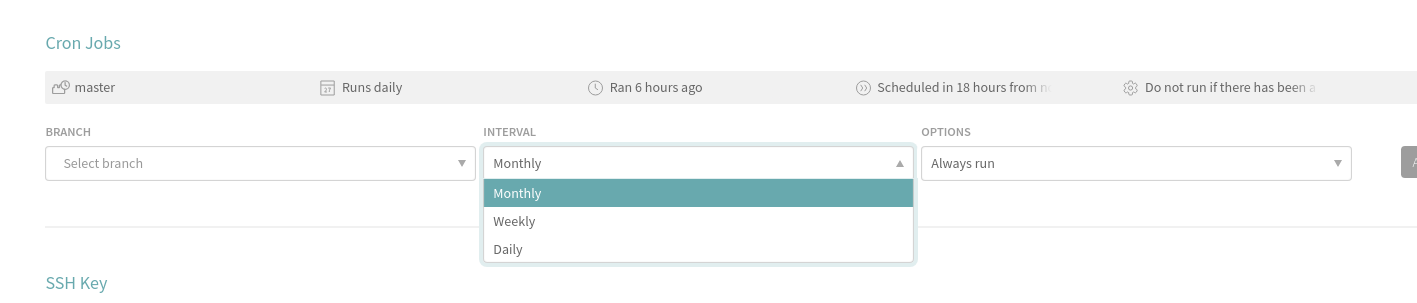
Problem:
Cron job interval in Travis CI only allows daily, weekly and monthly. There’s no option to run a cron job that runs multiple times in a day. In this tutorial, I will show you how to have a custom cron job interval using Node.js
Solution:
Travis CI has an api to trigger builds with a POST request. What if I could utilize this by creating a cron job in node.js and call this api with my custom interval?
To get your API authentication token, go to user settings https://travis-ci.com/account/preferences
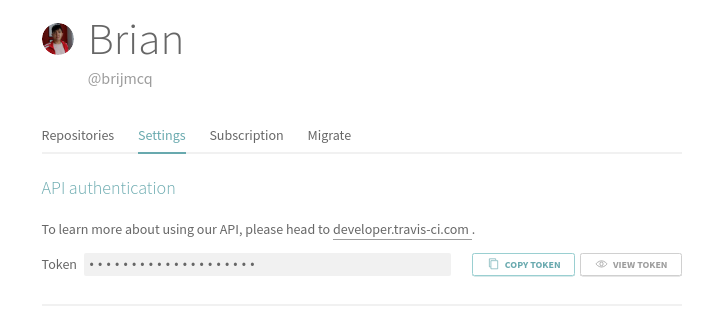
According to the docs, the request url should be like this
https://api.travis-ci.com/repo/travis-ci%2Ftravis-core/requests
where travis-ci is the owner and travis-core is the repository name.
Let’s say my repository name is foo. My url should be like this
https://api.travis-ci.com/repo/brijmcq%2Ffoo/requests
With that out of the way, let’s proceed to the Node.js code
Node.js
I’m going to use node-cron library for the cron job because it is very easy to use.
Run this command first to get the required libraries.
npm install node-cron axios
Create an index.js or name it whatever you want. Write ( or copy paste ) the code below
const cron = require("node-cron");const axios = require("axios");axios.defaults.headers.common['Authorization'] = 'token YOURAPIKEY'; // this is for tutorial purposes only. save this in your env variables! Best practice is don't commit your API keys!axios.defaults.headers.common['Travis-API-Version'] = '3';axios.defaults.headers.post['Content-Type'] = 'application/json';const payload = {"request": {"branch": "master"}}cron.schedule("0 0 */4 * * *", function () {axios.post('https://api.travis-ci.com/repo/brijmcq%2Ffoo/requests',payload);});Check out the node-cron github to see the syntax for the schedule.
Hope this helps. If you have a better way to do this, please do let me know!